
How to Become an IT Virtual Assistant and Get Hired Remotely
Quick Answer
Learn how to become an it virtual assistant by choosing a niche, building proof through workflows, protecting client access, and applying to better remote jobs.
Table of Contents
- 1.1. How to Choose an IT Virtual Assistant Niche and Service Package
- 2.2. Daily IT Virtual Assistant Tasks That Build Employer Trust
- 3.3. Advantages of Building a Virtual Assistant Business From Home
- 4.4. Turn Online Virtual Assistant Job Searches Into Better Applications
- 5.IT Virtual Assistant Job Market Data and Remote Work Context
- 6.The IT VA Advantage Is Ticket Ownership, Not Just Tool Familiarity
- 7.Frequently Asked Questions
A home internet connection is not enough to win IT support work. With 94.69% of the U.S. population using the internet in 2024, access is common, but demonstrable technical support skills are what separate serious applicants from the crowd, according to the World Bank.
An it virtual assistant is a remote professional who handles technical administration and support, including help desk triage, user access, SaaS setup, CRM upkeep, documentation, and basic troubleshooting. The practical path is simple: choose a service niche, learn the tools used in it, create credible work samples, then apply through targeted channels rather than sending generic VA applications.
Table of Contents
- 1. How to Choose an IT Virtual Assistant Niche and Service Package
- 2. Daily IT Virtual Assistant Tasks That Build Employer Trust
- 3. Advantages of Building a Virtual Assistant Business From Home
- 4. Turn Online Virtual Assistant Job Searches Into Better Applications
- IT Virtual Assistant Job Market Data and Remote Work Context
1. How to Choose an IT Virtual Assistant Niche and Service Package
An IT VA sits between general administration and technical operations. A general administrative VA may manage calendars, travel, and email. A software developer writes, tests, and maintains applications. A credentialed cybersecurity specialist handles security architecture, incident response, or compliance controls. An IT VA instead keeps everyday business systems usable and organized, within a clearly defined scope.
Most beginners get this wrong by offering everything. A better move is to select one recurring employer problem and become useful there. Start by listing what you can already do, such as organizing spreadsheets, resolving simple Google Workspace issues, maintaining HubSpot contacts, or writing clear instructions. Next, identify the employer problem behind that skill. Then choose the tools involved and turn the work into a small, specific package of three to five deliverables.
For example, a beginner who knows HubSpot and Google Workspace could offer contact cleanup, employee onboarding checklists, access request tracking, basic inbox and ticket triage, and documentation updates. That is an honest service package. It does not pretend to provide enterprise security administration, identity architecture, or complex data migration.
Useful virtual assistant services can include Microsoft 365 or Google Workspace user support, Notion knowledge base setup, password manager onboarding, meeting technology support, CRM record cleanup, and responding to routine access questions. Describe the outcome, not just the tool name. “Clean 500 duplicate CRM records using agreed rules” is far stronger than “familiar with HubSpot.”
Know when to say no. Refer work involving production systems, regulated customer data, privileged access, advanced security investigations, or major outages to a qualified internal owner or specialist. Good judgment is a selling point, especially for U.S. clients who need reliable support without risky improvisation.

2. Daily IT Virtual Assistant Tasks That Build Employer Trust
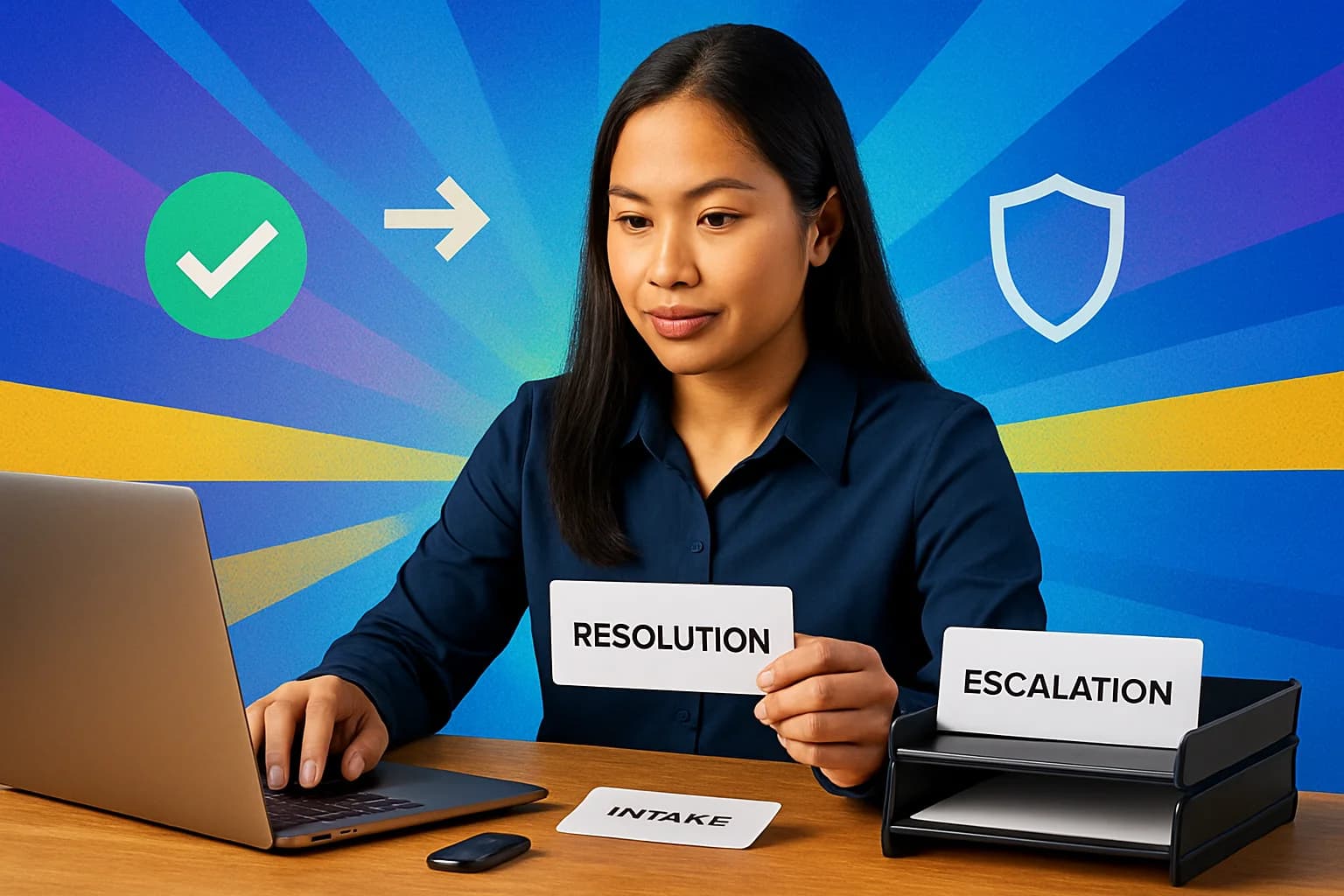
After a client hires you, the work is usually a repeatable request cycle. You receive an issue, classify urgency, record the relevant details, resolve what falls within your scope, escalate when it does not, and update the requester. A request like “I cannot access the shared drive” may need a quick permission check, while a suspected account compromise needs immediate escalation. Treating both as ordinary tasks is how trust disappears.
An ai virtual assistant approach is useful when AI supports your process rather than replaces your judgment. Use approved tools to draft a knowledge base article, summarize non sensitive ticket context, produce a first draft of an SOP, or turn five similar requests into a checklist. Never paste passwords, credentials, customer records, private client files, or proprietary data into an unapproved AI tool. AI can speed up writing. It cannot authorize access or accept responsibility for a bad security decision.
Build a portfolio over 30 days, even before your first paid role. Create a mock ticket queue with categories and priorities. Write a one page new user onboarding SOP. Produce a CRM cleanup before and after sample using fictional data. Then record a short screen video explaining how you would receive a request, update records, document the outcome, and notify the user. Employers hire proof of clear thinking and documentation, not a resume packed with tool logos.
If you want to deepen that workflow, learn how to become an AI virtual assistant without turning AI into a shortcut for skills you have not built. Your writing should make it clear where automation helps and where a human must check the work.
3. Advantages of Building a Virtual Assistant Business From Home
Employment and contract applications are not your only route. A virtual assistant business can work well if you prefer to define your service scope and work with several smaller clients. It also requires more discipline than many social media posts suggest. You are responsible for finding work, setting expectations, protecting client access, tracking time, and following up on invoices.
Start with one offer, not a long menu. Set your availability and response time boundaries. Create a simple services page or one page PDF, use a professional email address and calendar, draft a scope of work template, and track time and invoices from day one. A clear package might read: “SaaS onboarding support, up to 10 new user setups, access checklist, and documentation updates each month.” It gives a client something concrete to evaluate.
Working as a virtual assistant from home also means treating your setup like a work environment. Use a quiet workspace, dependable backup connectivity where possible, multi factor authentication, separate accounts for each client, and written expectations for response times. If a client expects U.S. business hours, say whether you can cover them before signing on. Filipino applicants often earn trust quickly by being responsive, but do not promise overnight coverage that is unsustainable in Philippine time.
Before operating independently, check local rules that apply to your situation. This is not legal or tax advice, but basic compliance and clean records are part of being dependable. For a practical launch checklist, see how to start a virtual assistant business.

4. Turn Online Virtual Assistant Job Searches Into Better Applications
For online virtual assistant roles, use a process rather than scrolling until you feel discouraged. First, create a keyword bank based on tasks, tools, and industries. Set alerts. Review each job for its actual outcomes and software. Tailor a short pitch, attach one relevant sample, and log every application, contact, follow up date, and result in a tracker.
Search beyond generic phrases. Try “remote IT support virtual assistant,” “SaaS onboarding assistant,” “help desk contractor,” or “HubSpot virtual assistant.” Searches for indeed virtual assistant jobs can surface opportunities, but so can titles such as operations assistant, customer support coordinator, CRM administrator assistant, implementation assistant, and remote help desk support. Looking for adjacent jobs in virtual assistant work expands your options without weakening your niche.
When using Indeed, do not send the same pitch to every listing. If the employer needs inbox and CRM support, write: “You need inbox and CRM support; here is my sample ticket workflow and contact cleanup checklist.” That one sentence connects their requirement to evidence. This matters more than claiming you are hardworking, organized, and a fast learner, which every applicant says.
For broader U.S. context, professional and business services employed 22,635 thousand workers in August 2026, up 0.9% year over year, according to the U.S. Bureau of Labor Statistics. That does not guarantee an opening, but it supports a smarter search beyond the exact “virtual assistant” label. Good indeed virtual assistant searches are task driven, not title obsessed.
Check for scams every time. Never pay to access a job. Be cautious with vague descriptions, unusually high pay for little detail, and immediate requests to move off platform. Verify the business through its official website, compare the recruiter email with the company domain, and do not send identity documents or banking information before a legitimate hiring process. Use this guide to navigate Indeed virtual assistant jobs, then use a focused portfolio to become an online virtual assistant who is easier to hire.
IT Virtual Assistant Job Market Data and Remote Work Context
Market data is context, not a salary promise. The U.S. unemployment rate was 4.2% in 2025, and the labor force totaled 174,833,917 people, according to the World Bank. That is why generic applications struggle: applicants need a visible niche, relevant samples, and a process that shows how they reduce work for a manager.
Source: World Bank Open Data
The IT VA Advantage Is Ticket Ownership, Not Just Tool Familiarity
Employers do not need another person who recognizes Slack, Asana, or HubSpot. They need someone who can own a request from intake through documentation and escalation, without quietly overstepping access or security boundaries. This is the difference between tool familiarity and dependable support.
Use a ticket ownership framework: confirm the request, establish priority, record your actions, resolve or escalate with useful context, notify the user, then convert repeat problems into documentation. If you cannot solve a request, an excellent escalation might include the user, affected system, exact error, time reported, screenshots if permitted, and actions already attempted. That saves the specialist time and reassures the requester that the issue is moving.
This framework makes beginners credible without a computer science degree. It also stops a common and costly mistake: promising expertise in systems you cannot safely administer. A client can teach you a new platform. It is much harder to teach someone to communicate clearly, document carefully, and know when to ask for help.
Frequently Asked Questions
What does an IT virtual assistant do?
An IT virtual assistant provides remote technical and operational support, such as ticket triage, SaaS user setup, CRM maintenance, documentation, and basic troubleshooting. Complex infrastructure, security, and compliance work may require a specialist.
Do I need a degree to become an IT virtual assistant?
No, a degree is not universally required. Tool specific skills, a practical portfolio, clear written communication, and reliable process documentation can be stronger evidence for entry level roles. Specialized technical jobs may still require certifications or formal experience.
How can I find legitimate Indeed virtual assistant jobs?
Use task and tool based search terms, not only “virtual assistant.” Verify the employer on its official website, examine the job details, never pay for an opportunity, and do not share sensitive financial information before a legitimate hiring process.
Can I work as an IT virtual assistant from home?
Yes, if the role and employer policies allow remote work. You need a secure workspace, dependable connectivity, multi factor authentication, organized communication, and a clear schedule. Some employers require particular time zone coverage or equipment.
You might also like
More guides on Virtual Assistant.
How to Navigate Jobs in Virtual Assistant: A Step-by-Step Guide
Discover the steps to secure jobs in virtual assistant roles, explore services, and work from home effectively.
How to Start a Virtual Assistant Business: A Step-by-Step Guide
Discover how to launch your own virtual assistant business from home with our comprehensive step-by-step guide.
Virtual Assistant Services: A Beginner’s Guide to Remote Work
Learn how to choose virtual assistant services, build proof-based samples, find legitimate jobs, avoid scams, and turn beginner projects into repeat clients.
Virtual Assistant Wanted: Apply, Prove Value and Avoid Scams Safely
Learn how to respond to a virtual assistant wanted listing, match your skills to the employer’s needs, prove your value, find legitimate roles, and avoid scams.
Latest Virtual Assistant Jobs
Fresh remote VA roles — apply directly
Data Entry Position at remotepromsp - Remote
Design and Create Courses as an Education Designer at Interaction Design Foundation - Remote
Create Engaging Graphics as a Senior Graphic Designer at BBE Marketing Inc - Remote
Senior VMware Engineer at EPAM Systems - Remote