
Digital Virtual Assistant: Build Smarter, Safer Workflows That Scale
Quick Answer
Learn how to choose a digital virtual assistant, set task rules, build marketing workflows, use voice tools, and protect sensitive access with clear approvals.
Table of Contents
- 1.1. Choose the Right Digital Virtual Assistant for the Task
- 2.2. Benefits of a Digital Assistant With Clear Task Rules
- 3.3. How to Build a Virtual Assistant Digital Marketing Workflow
- 4.4. Android and Alexa Digital Assistant Setups That Save Time
- 5.5. Digital Virtual Assistant Market Data in the United States
- 6.The Permission Boundary That Prevents Digital Assistant Mistakes
- 7.Frequently Asked Questions
Most people already have access to plenty of digital help, but not a usable system. Calendars, inboxes, follow-ups, notes, and repetitive marketing tasks still live in separate places, so small jobs pile up. A digital virtual assistant can turn that clutter into a repeatable workflow, provided you choose the right kind of support and set clear boundaries. Internet access reached 94.69% of the US population in 2024, according to the World Bank. Access is widespread. Practical delegation is the harder part.
A digital virtual assistant can be an AI tool, a voice-based assistant, or a remote human professional handling defined work through digital systems. Start by identifying repeatable tasks, choose support based on judgment and privacy needs, document the workflow, and review results weekly. AI can draft and organize quickly, while a human VA is generally better for nuanced communication, accountability, and handling exceptions.
Table of Contents
- 1. Choose the Right Digital Virtual Assistant for the Task
- 2. Benefits of a Digital Assistant With Clear Task Rules
- 3. How to Build a Virtual Assistant Digital Marketing Workflow
- 4. Android and Alexa Digital Assistant Setups That Save Time
- 5. Digital Virtual Assistant Market Data in the United States
1. Choose the Right Digital Virtual Assistant for the Task
The terms overlap, which is why people buy the wrong tool for the job. A digital assistant is the broad category for technology or remote support that helps complete digital tasks. A digital personal assistant usually focuses on an individual's schedule, reminders, travel, errands, and personal organization. An AI digital assistant uses prompts and connected tools to draft, summarize, research, classify, and sometimes automate work.
Digital assistant AI is useful, but it is not interchangeable with a human virtual assistant. Use AI for high-volume, low-risk first passes: turning meeting notes into a draft task list, outlining an article, sorting ideas into categories, or producing a first email draft. Use a person when the work requires business context, relationship management, judgment, or someone to own the follow-through. For example, an AI tool can extract possible next steps from a sales call. A human VA can confirm client appointments, notice a scheduling conflict, and ask the client the right follow-up question. A voice assistant can set a hands-free reminder while you are driving or cooking.
Before assigning work, run through this checklist:
- Repetition: Does the task happen often enough to justify a template or automation?
- Error cost: Would a mistake merely require an edit, or could it lose money, damage trust, or create a legal issue?
- Access required: Does the assistant need a calendar, CRM, inbox, payment system, or confidential records?
- Turnaround: Is an instant draft enough, or does a person need to monitor and complete the task?
- Final approval: Must a named person approve the output before it is sent, published, or changed?
Most people get this wrong by asking, “What can this assistant do?” A better question is, “What outcome can this assistant produce safely without constant rescue?” For a practical next step, see how to use a digital personal assistant.

2. Benefits of a Digital Assistant With Clear Task Rules
The flashiest tool rarely fixes a messy process. Clear task rules do. A capable VA or AI system will still create friction if no one defines what “done” means, where files belong, or when the work needs review. This matters in the US professional-services environment, where professional and business services employed 22.547 million workers in September 2026, up 0.5% year over year, according to the U.S. Bureau of Labor Statistics. That figure does not measure virtual assistants specifically, but growing service work makes reliable delegation systems more valuable.
- Track recurring work for five business days. Write down every repeating task, including the annoying two-minute ones.
- Label each task. Mark it automate, delegate, or retain. Retain tasks involving strategy, sensitive decisions, or final approval.
- Write a one-page standard operating procedure. Include the trigger, steps, tools, file location, and examples of acceptable output.
- Define the deliverable and deadline. “Update the CRM” is not a deliverable. “Add 30 qualified leads with source, contact details, and status by 3 p.m. Friday” is.
- Test with a low-risk task. Start with formatting, research, or calendar cleanup before granting broader access.
- Review errors before expanding access. Fix the instructions and process first. Do not assume the assistant should have guessed.
Compare a vague instruction, “Check the inbox and follow up with leads,” with a usable one: “Review messages tagged New Lead at 10 a.m. and 3 p.m. Reply only with the approved template. A lead qualifies for follow-up when they request pricing, availability, or a consultation. Apply the Follow Up label and create a CRM task for the owner. Escalate any complaint or custom quote request.” The second version removes guesswork without turning delegation into micromanagement.
If you are building habits beyond work, this guide on how to use a digital assistant in daily life can help connect reminders, routines, and task capture into one system.
3. How to Build a Virtual Assistant Digital Marketing Workflow
A digital marketing virtual assistant is most effective when the workflow has one channel, one owner, and a visible approval step. Do not hand over “marketing” as a vague category. Build the system in stages.
- Choose one channel and one goal. For example, use Instagram to generate consultation requests, or use blog posts to support local search visibility.
- Prepare source material. Provide brand voice notes, current offers, audience questions, approved claims, examples of good posts, and prohibited wording.
- Assign research and drafting. Your VA can build content calendars, draft captions, format blog posts, support keyword research, clean email lists, update a CRM, and prepare reports.
- Add an approval checkpoint. The owner or senior marketer reviews customer-facing claims, prices, calls to action, and facts before publishing.
- Schedule publishing. Use one shared calendar, clearly marked draft, approved, scheduled, and published statuses.
- Report weekly. Track completed work and the metrics you agreed to measure, such as posts published, leads captured, or pages updated.
Consider a local home-services business. Its virtual assistant digital marketing workflow might involve preparing 12 social posts and formatting two blog drafts each month. The owner approves seasonal offers, guarantees, and every claim made to customers. The VA schedules the approved work and updates the lead tracker. This split is efficient because it separates production from accountability.
Keep final brand claims, paid-media budget changes, legal or regulated statements, public crisis responses, and performance interpretation with the business owner or a senior marketer. A VA can prepare the dashboard. They should not independently decide that a weak week means doubling ad spend.
Documented, asynchronous systems are especially useful for distributed teams. The US labor force totaled 174,833,917 in 2025, according to the World Bank, and teams increasingly need work that can move across schedules without losing context. For deeper implementation ideas, read this virtual assistant digital marketing guide and this digital marketing virtual assistant workflow.

4. Android and Alexa Digital Assistant Setups That Save Time
Voice assistants are not replacements for AI or human support. They are best at fast capture and repeatable prompts, particularly when your hands are busy. An Android digital assistant works well for mobile routines. First, create reminders for time-sensitive tasks. Next, add calendar events by voice and enable meeting or commute prompts. Then capture tasks hands-free the moment you think of them. Finally, send every captured task into one central list, rather than leaving reminders scattered across notifications, notes, and email.
An Alexa digital assistant is strongest when tied to a location-based routine at home or in a home office. Set a morning routine that reads the day's agenda, starts a timed focus session, and reminds you to check a priority list. Create supply reminders for printer paper or shipping materials, and use shared shopping or task lists for household coordination. The point is not to ask Alexa everything. It is to remove predictable friction at predictable times.
- Android: mobile reminders, calendar prompts, and on-the-go task capture.
- Alexa: home or office routines, timers, shared lists, and location-based prompts.
- AI: writing, synthesis, research support, and structured first drafts.
- Human VA: follow-through across systems, communication, and exception handling.
Do not dictate sensitive client details, financial information, health information, or login credentials to voice devices unless you understand the device, account, and privacy settings. Convenience is not a reason to make confidential information audible in a shared room.
5. Digital Virtual Assistant Market Data in the United States
These figures provide market context, not proof of virtual-assistant demand. US GDP per capita was $90,026.52 in 2025 and unemployment was 4.2% in 2025, according to the World Bank. In a high-income, relatively tight labor market, businesses and individuals often have a reason to reduce low-value administrative drag.
Still, no statistic can choose the right assistant for you. The better option depends on task complexity, data sensitivity, the cost of mistakes, and the time required to supervise the work. A simple reminder may need only a voice tool. A client renewal process may need a trained human and a documented approval path.
Source: World Bank Open Data
The Permission Boundary That Prevents Digital Assistant Mistakes
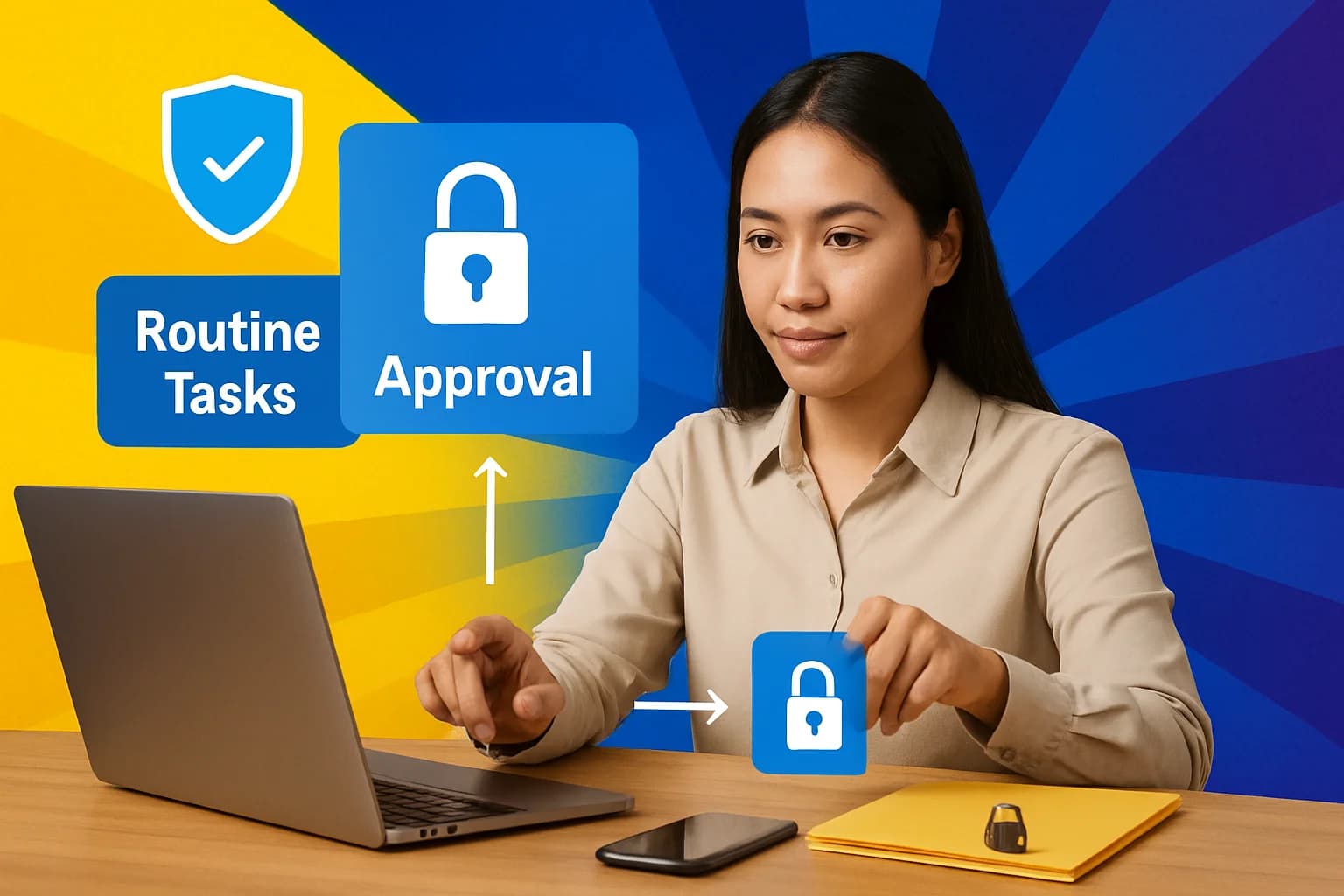
The real failure point is rarely the assistant itself. It is granting access before defining authority. Every workflow needs three boundaries: view access, draft access, and action access. View access lets an assistant see the information needed to work. Draft access lets it prepare an email, invoice, post, or task for review. Action access allows it to send, publish, change, buy, or delete. Those are not interchangeable permissions.
For example, an AI tool can summarize a customer email but should not send a reply. A VA can prepare invoices but should not change bank details. A voice assistant can add a reminder but should not announce confidential calendar details aloud. Use one simple escalation rule: if a task affects money, external commitments, personal data, or public messaging, the assistant prepares it and a named human approves it.
Run a monthly access audit. Check shared passwords, connected apps, former contractors, browser sessions, forwarding rules, and API integrations. Remove anything no longer needed, then confirm who has approval authority for sensitive actions. For more practical safeguards, explore AI digital assistant workflows at work.
Frequently Asked Questions
What is a digital virtual assistant?
A digital virtual assistant provides support through AI software, voice technology, or a remote human assistant. The right choice depends on task complexity, privacy requirements, and whether the work needs human judgment.
Is an AI digital assistant the same as a virtual assistant?
No. AI can generate, summarize, organize, and automate from instructions, while a human VA can handle judgment-heavy work and follow up with people. Many effective workflows use both: AI creates a first draft, then a person reviews or completes the task.
What tasks can a digital marketing virtual assistant handle?
They can manage content calendars, social-media drafts, blog formatting, research support, CRM updates, email-list maintenance, and report preparation. An accountable owner should retain final approval for brand claims, regulated content, budgets, and public responses.
How do I keep a digital assistant workflow secure?
Use least-privilege access and separate view, draft, and action permissions. Require approval for money, sensitive data, external commitments, and public communications, then review account access and connected tools regularly.
You might also like
More guides on Digital Assistant.
Mastering Virtual Assistant Digital Marketing: A Step-by-Step Guide
Explore how to effectively use virtual assistants for digital marketing with this comprehensive step-by-step guide.
How to Effectively Use a Digital Assistant in Daily Life
Discover practical steps to integrate a digital assistant into your daily routine, boosting productivity and efficiency.
How to Use a Digital Personal Assistant: A Step-by-Step Guide
Discover how to effectively use a digital personal assistant with our detailed step-by-step guide, tailored for the US market.
Digital Marketing Virtual Assistant: Build a Reliable Workflow
Learn what a digital marketing virtual assistant can own, which tasks to delegate, and how to build a documented workflow with a practical 30-day pilot.
Latest Virtual Assistant Jobs
Fresh remote VA roles — apply directly