
Canva Resume Guide: Build a Clear, Targeted Application Fast
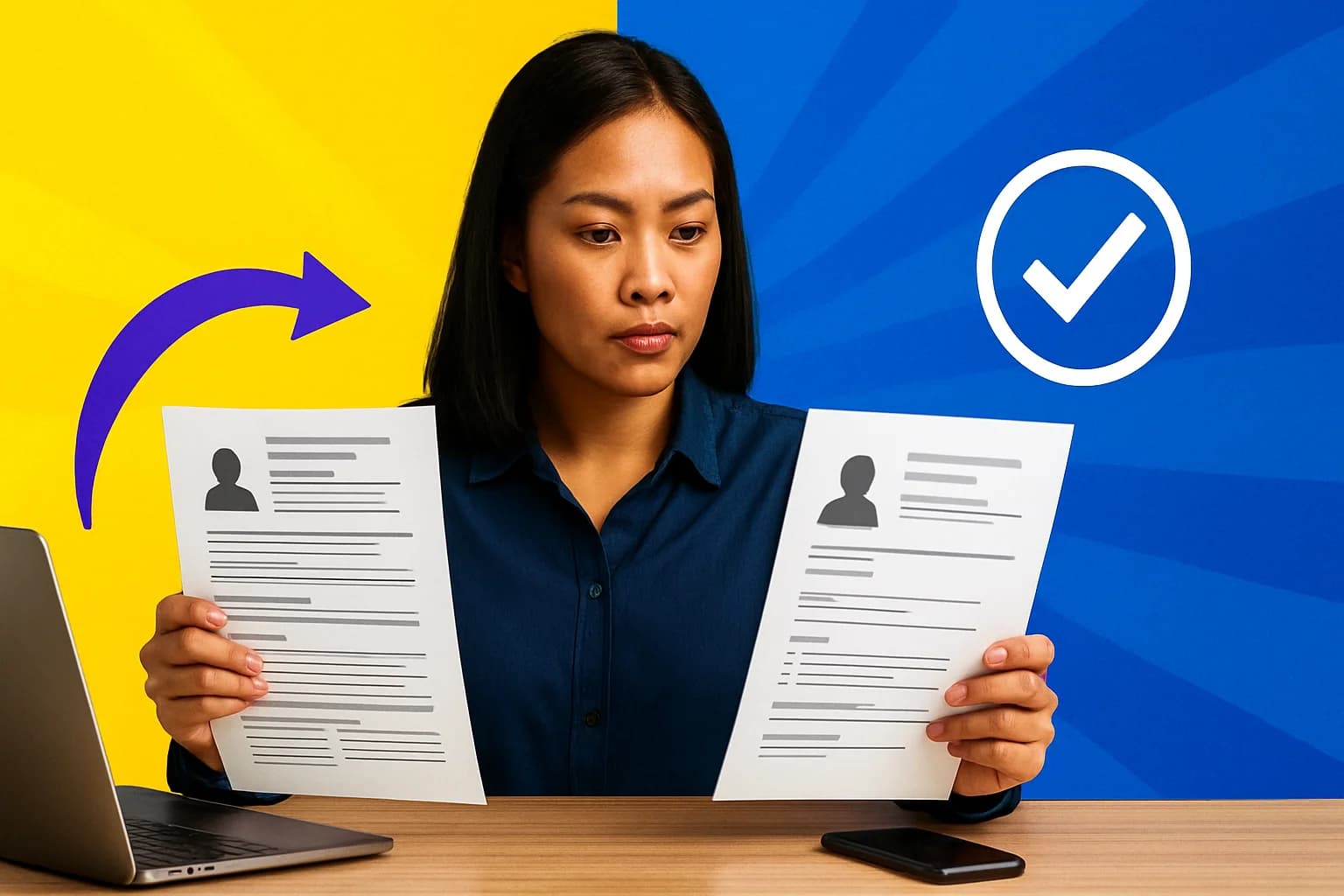
Quick Answer
Learn how to use a canva resume effectively: tailor it to one role, write evidence-led bullets, simplify the design, and check the exported PDF before applying.
Table of Contents
- 1.Canva Resume Case Study: Why a Generic Resume Was Not Working
- 2.How to Create a Resume in Canva for One Specific Job
- 3.What Changed After the Applicant Rebuilt Their Resume
- 4.How to Build a Resume That Stays Readable After Exporting
- 5.Resume Builder Philippines: Job Market Context and Access Data
- 6.Why a Beautiful Canva Resume Can Still Lose to a Plain One
- 7.Frequently Asked Questions
In June 2026, a capable Philippine applicant was sending the same crowded file to remote admin, customer support, and virtual assistant openings. Her canva resume looked polished enough at a glance, but it was hard to scan in the few seconds a recruiter may give an application. The stakes are real: the Philippine labor force reached 53.246 million people and unemployment was 4.9% in June 2026, according to the Philippine Statistics Authority. In a busy market, being qualified is only part of the job. Employers also need to see the fit quickly.
This is a composite case, not a claim that a template produced a particular hiring outcome. The lesson is simpler and more useful: a Canva resume can help organize a job application, but it cannot rescue vague experience, irrelevant details, or generic positioning.
A Canva resume can help a job seeker produce a clean, tailored, visually readable application with templates and simple editing tools. Still, content and relevance matter more than decoration. This case study first diagnoses the old document, then rebuilds it for one target role, and finally assesses the practical result: clearer information and a more application-ready file, not invented interview-rate claims.
Table of Contents
- Canva Resume Case Study: Why a Generic Resume Was Not Working
- How to Create a Resume in Canva for One Specific Job
- What Changed After the Applicant Rebuilt Their Resume
- How to Build a Resume That Stays Readable After Exporting
- Resume Builder Philippines: Job Market Context and Access Data
Canva Resume Case Study: Why a Generic Resume Was Not Working
Composite case subject: “Mia” is a junior remote administrative applicant based in the Philippines. She had handled calendars, customer messages, spreadsheets, order follow-ups, and basic social media tasks. Yet her original resume did not make her a convincing candidate for any one role. It tried to serve unrelated jobs at once.
On the first scan, a strong resume should answer a recruiter’s practical questions: What role does this person want? What relevant work have they done? What did they contribute? Which tools can they use? How can I contact them? Mia’s file buried those answers under a long objective, dense paragraphs about every past responsibility, and a skills list that mixed Microsoft Excel with unrelated personal interests.
Her achievement statements were weak because they described activity rather than value. “Responsible for answering emails” says little. “Responded to customer inquiries using Gmail and a shared tracking sheet” is still modest, but it shows context and tools. Her chosen template added colored sidebars, rating dots, and icons that competed with the job title and work history. Most people get this wrong: the goal is not to make a recruiter admire the design. The goal is to make the right evidence impossible to miss.
Better role positioning is especially relevant for people looking for work that uses their capabilities more fully. The Philippines recorded a 12.1% underemployment rate in June 2026, based on Philippine Statistics Authority data. A targeted resume will not solve labor-market conditions, but it helps a worker present their transferable experience for a more suitable opportunity.

How to Create a Resume in Canva for One Specific Job
To show how to create resume content that is useful, Mia selected one target: remote administrative assistant roles. She did not begin by browsing dozens of templates. She copied the requirements from a representative job post into a note, then highlighted truthful matches in her own background: calendar coordination, inbox support, Google Workspace, Excel, data entry, and follow-up.
- Choose a restrained layout. A single-column design is the safest option. A simple two-column layout can also work if it keeps the experience section easy to follow. Avoid layouts where essential text sits in narrow boxes.
- Write before styling. Draft the headline, summary, experience, tools, and education in plain text first. Then move it into Canva.
- Mirror role language honestly. If the post asks for “calendar management” and Mia has scheduled meetings, use the standard phrase. Do not claim executive support if she has not done it.
- Turn duties into evidence-led bullets. Start with an action, name the task, and add a truthful detail about method, scope, or result.
- Group tools logically. “Google Workspace, Microsoft Excel, Canva, Zoom” is easier to scan than scattering software names throughout the page.
- Check visual hierarchy. The job title, recent experience, and contact details should be visible without effort. Use spacing to separate sections, not decorative lines everywhere.
For example, this generic bullet:
- Handled administrative tasks and answered emails.
became:
- Organized meeting schedules, updated shared spreadsheets, and responded to routine customer emails using Google Workspace.
The revised version does not invent a company result or a metric. It simply gives the employer more useful evidence. A resume maker free option can handle this kind of layout and editing well. Canva’s free tools and templates are enough for many basic documents, although some elements are paid. You still need to inspect fonts, remove premium items you do not intend to buy, and confirm that the final PDF exported cleanly.
The beginner mistake is treating Canva as the strategy. It is only the design layer. The hard part is understanding what the employer needs and selecting truthful proof that you can do it.
What Changed After the Applicant Rebuilt Their Resume
The rebuilt document made Mia’s intended role obvious. “Remote Administrative Assistant” appeared near the top, followed by a short summary focused on scheduling, inbox coordination, and spreadsheet support. Her relevant software was grouped in one visible section. Her most recent experience used short bullets rather than a paragraph wall. A reader could now find the evidence of contribution without decoding the design.
That is the honest outcome of this case study: a more credible, targeted application ready to submit. It is not a promise of immediate employment, a guaranteed ATS score, or an interview-rate claim. Hiring still depends on experience, competition, timing, communication, and the employer’s actual needs.
For someone searching “resume now,” speed matters, but blind speed usually backfires. A 15-minute targeted edit is generally better than sending the same generic file immediately. Mia’s practical workflow became:
- Keep one detailed master resume with all genuine experience and projects.
- Create a copy for each role.
- Adjust the headline, summary, skills order, and top two or three bullets to match the posting.
- Save the final version as a PDF with a clear filename, such as “FirstName_LastName_AdminAssistant.pdf.”
- Open it on both a phone and a desktop before submitting.
This approach also makes applications less stressful. Instead of rebuilding from zero for every opening, the candidate makes small, meaningful changes to a reliable base.

How to Build a Resume That Stays Readable After Exporting
Knowing how to build resume content is not enough if the exported file is awkward to read. Before applying, use this practical checklist:
- Choose one target role for the version you are sending.
- Write a tailored headline rather than a vague label such as “hardworking individual.”
- Lead with the achievements and tasks most relevant to that role.
- Use one date format consistently, such as “March 2024 to June 2026.”
- Keep fonts readable and colors restrained. Dark text on a light background wins almost every time.
- Proofread names, dates, email address, phone number, and links.
- Export to PDF when the employer accepts PDF files.
- Test the file on a phone and desktop to catch clipped text, odd page breaks, and tiny type.
If you are learning how to write resume bullets, use a simple formula: action + task + evidence. For instance: “Maintained an order tracker in Excel and followed up on incomplete customer details.” Evidence does not have to be a dramatic percentage. It can be the tool used, the audience supported, the workflow improved, or the volume handled when you can verify it.
Applicant tracking systems add another reason to keep the structure simple. Standard headings such as “Experience,” “Skills,” and “Education,” selectable text, and a logical reading order are generally easier to parse. No layout guarantees ATS performance, however. Avoid putting vital details inside images, using icons instead of labels, or relying on complicated graphics. Keep a plainer conventional version available when a portal or employer requests one.
Resume Builder Philippines: Job Market Context and Access Data
Online tools are practically accessible to many, but not all, Filipino job seekers. The World Bank reports that internet use in the Philippines was 67.26% of the population in 2024. Its reported GDP per capita was US$4,170.72 in 2025. Those figures help explain why free or low-cost resume-building options matter, particularly for applicants managing data costs, device limitations, or a limited job-search budget. A polished application should not require an expensive subscription.
Why a Beautiful Canva Resume Can Still Lose to a Plain One
A beautiful Canva resume can lose to a plain one when visual choices interfere with finding the facts. A target role hidden in a side panel, skills shown only as graphic bars, six-point text, or a reading order that breaks after export can make a document look impressive while making it less usable.
The right balance depends on the application. A graphic designer or creative professional may reasonably use a portfolio-style document that demonstrates visual judgment. For administrative, customer support, virtual assistant, and many corporate roles, a straightforward keyword-led version is often the stronger choice. The employer is usually checking whether you can organize information, communicate clearly, and handle the requested tools, not whether you can decorate a page.
A resume builder supplies a template, not a job-specific messaging strategy. Treat it as a container for evidence. Before sending any version, ask: Can a recruiter identify my target role, relevant experience, and contact information in ten seconds? If not, simplify it.
The decision rule is uncomplicated: content first, clean layout second, decorative elements last.
Frequently Asked Questions
Is Canva good for making a resume?
Canva is useful for producing a clean, professional-looking resume when the content is already tailored to the role. Avoid overly decorative templates, tiny fonts, skill charts, and layouts that make contact details or work history hard to scan. Always export and inspect the final PDF before applying.
Can I create a resume in Canva for free?
Yes. Canva offers free templates and features that are enough for many basic resumes. Some templates, images, and features require payment, so check the design before spending time on it. A free template still needs careful writing, editing, and proofreading.
Should I use a Canva resume for ATS applications?
Use a simple layout, standard section headings, selectable text, and a PDF only when the employer accepts PDF files. Avoid text inside images, complicated columns, icons used instead of labels, and graphics-heavy skills sections. Keep a plain resume version for systems or employers that request a conventional format.
How long should a resume be for a Philippine job application?
One page is often enough for students, fresh graduates, and early-career applicants with focused experience. Two pages can be appropriate when relevant work, certifications, or projects genuinely require the room. Relevance and readability matter more than filling a fixed number of pages.
Recommended for you
You might also like
More guides on resume.
CV Guide for Filipino Job Seekers: Build a Stronger Application
Learn what a CV should include, when to use a resume, and how Filipino job seekers can tailor evidence, skills, and achievements for stronger applications.
How to Write a Resume: Free Builders and AI Tips for Job Seekers
Learn how to write a credible, ATS-friendly resume in the Philippines using targeted proof, a free builder, and AI editing—without invented experience or hype.
Resume Examples: How to Tailor Your Resume for a Specific Job
Use practical resume examples to match a job description, prove your experience, and build a truthful, ATS-friendly application for Philippine employers.
10 CV Examples Filipino Job Seekers Can Adapt for Philippine Jobs
Explore practical CV examples for Filipino job seekers, with tailored formats, achievement-focused bullets, ATS tips, and honest ways to adapt each application.
Latest Virtual Assistant Jobs
Fresh remote VA roles — apply directly